SaveMate Demo
A downloadable tool for Windows
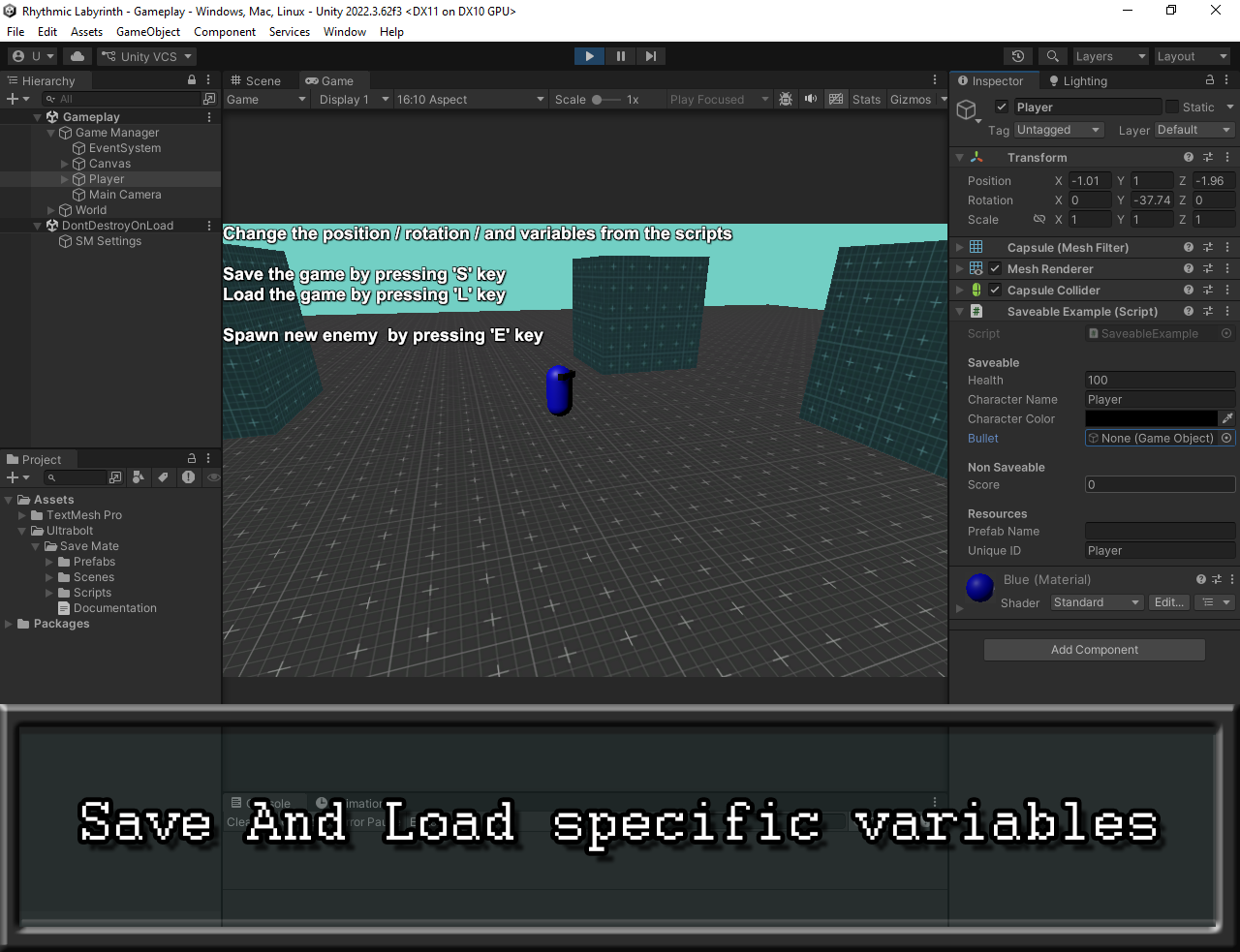
Test the power of SaveMate for free! This demo showcases how to easily save, load, and automatically respawn runtime objects in Unity.
How to Test the Demo:
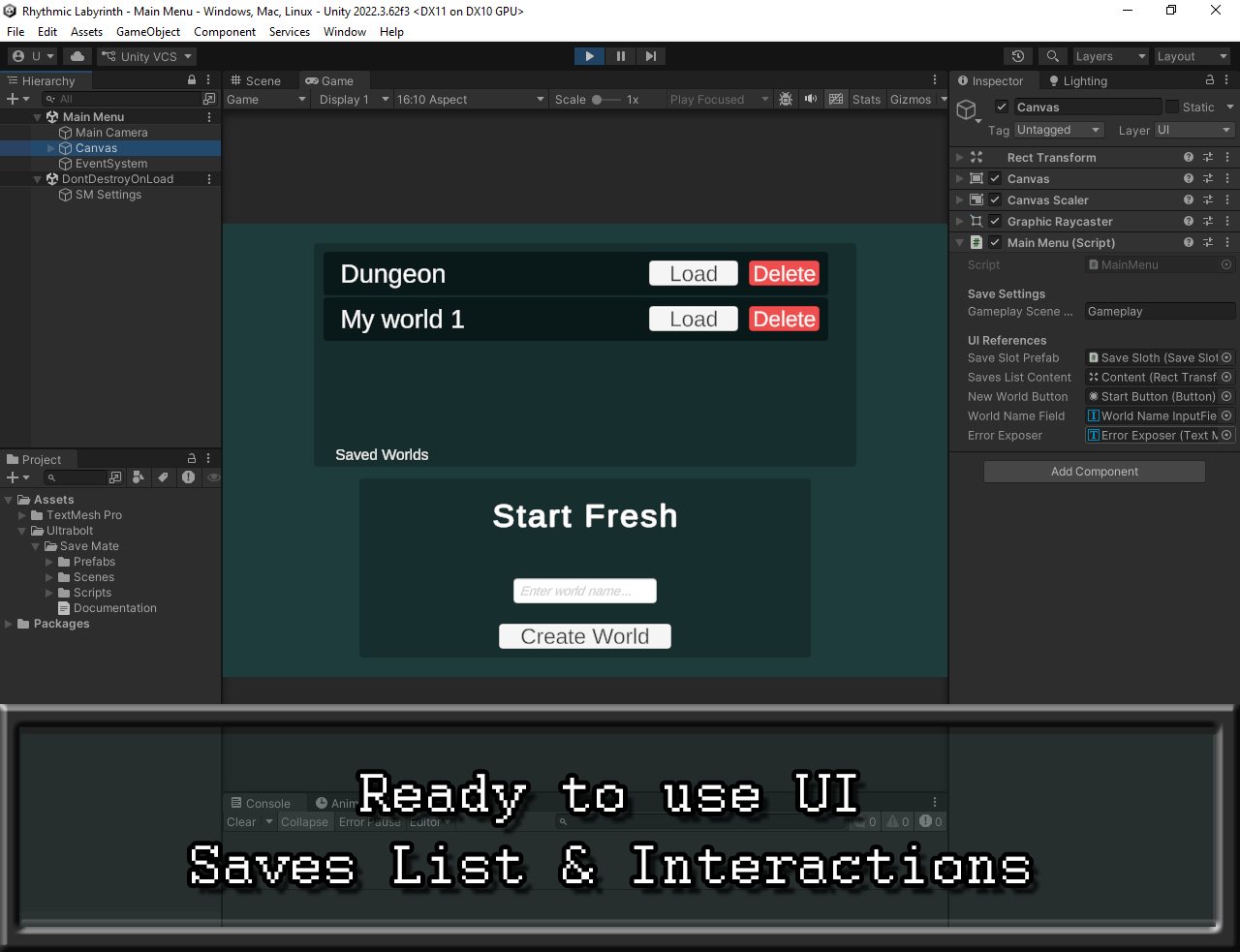
- Manage Worlds: Create a new world from the main menu (or load an existing one).
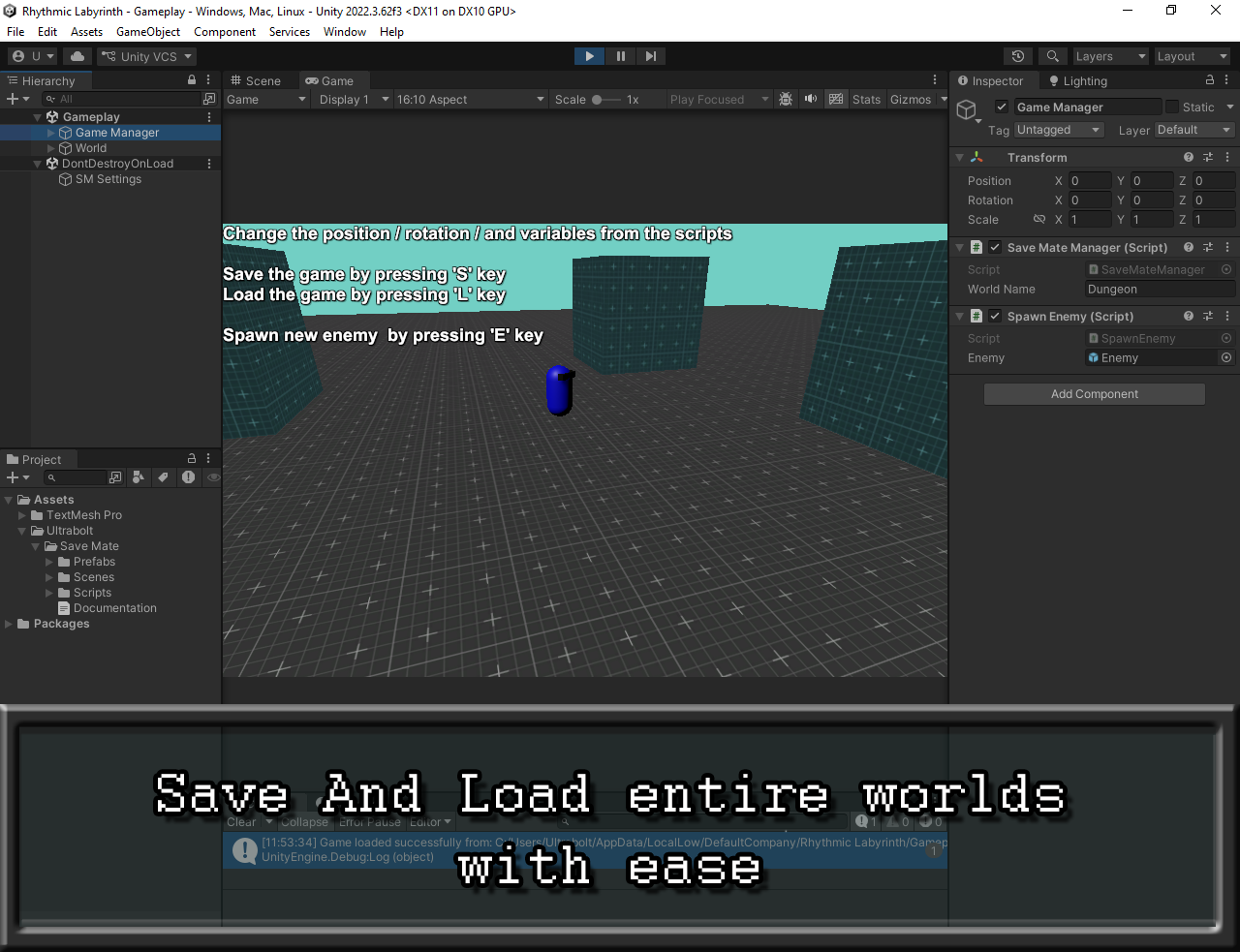
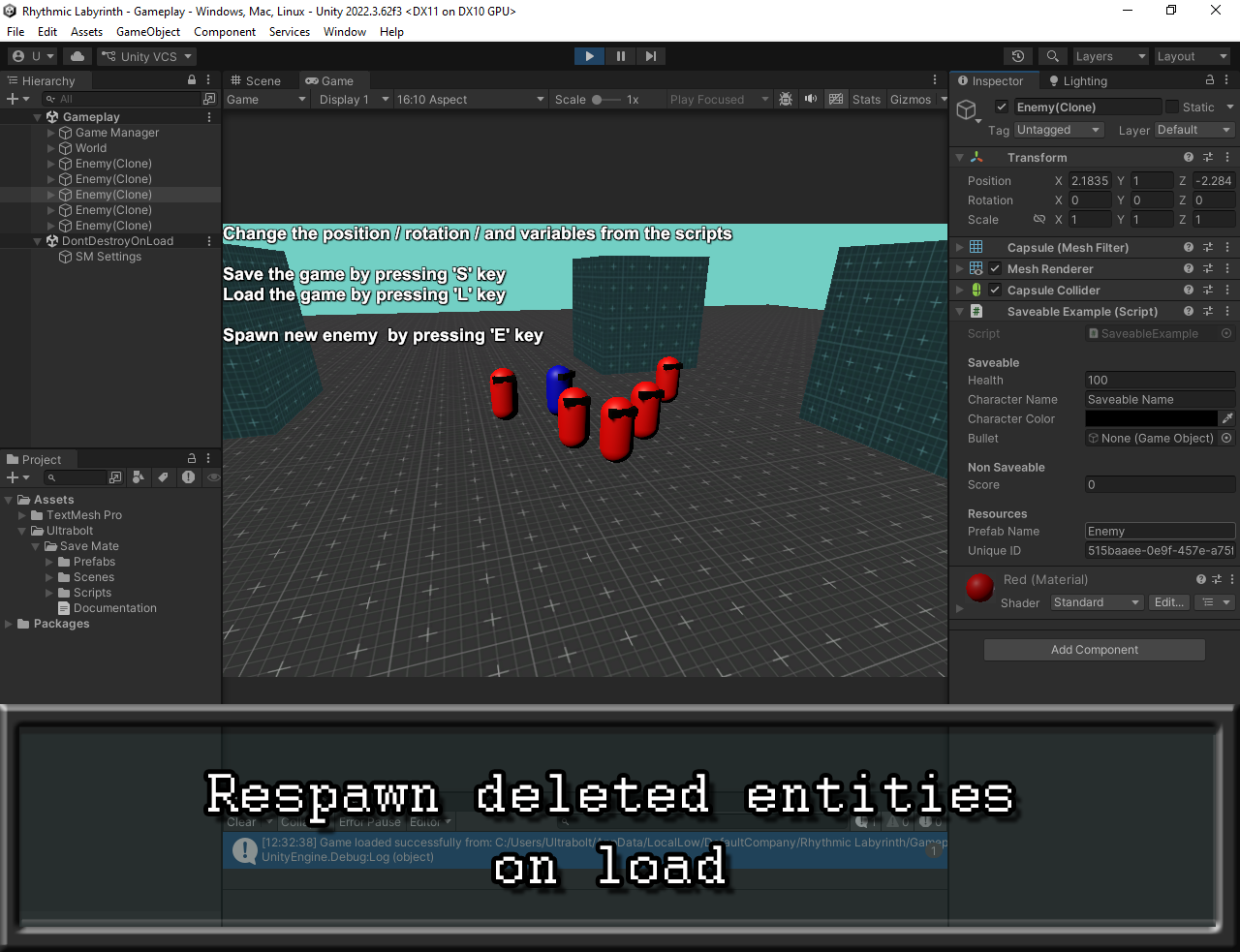
- Spawn new enemies: Press [E]
- Click, Hold & Drag enemies to move them.
- While holding, use the mouse wheel to rotate them.
- Press [S] to Save the current state.
- Press [L] to Load the world.
- The Magic: If you delete enemies or restart, the system automatically respawns them exactly where they were with the same saved values!
Why SaveMate?
- Auto-Respawn: Re-instantiates missing objects from
Resourceson load. - Lightweight: Built on a simple
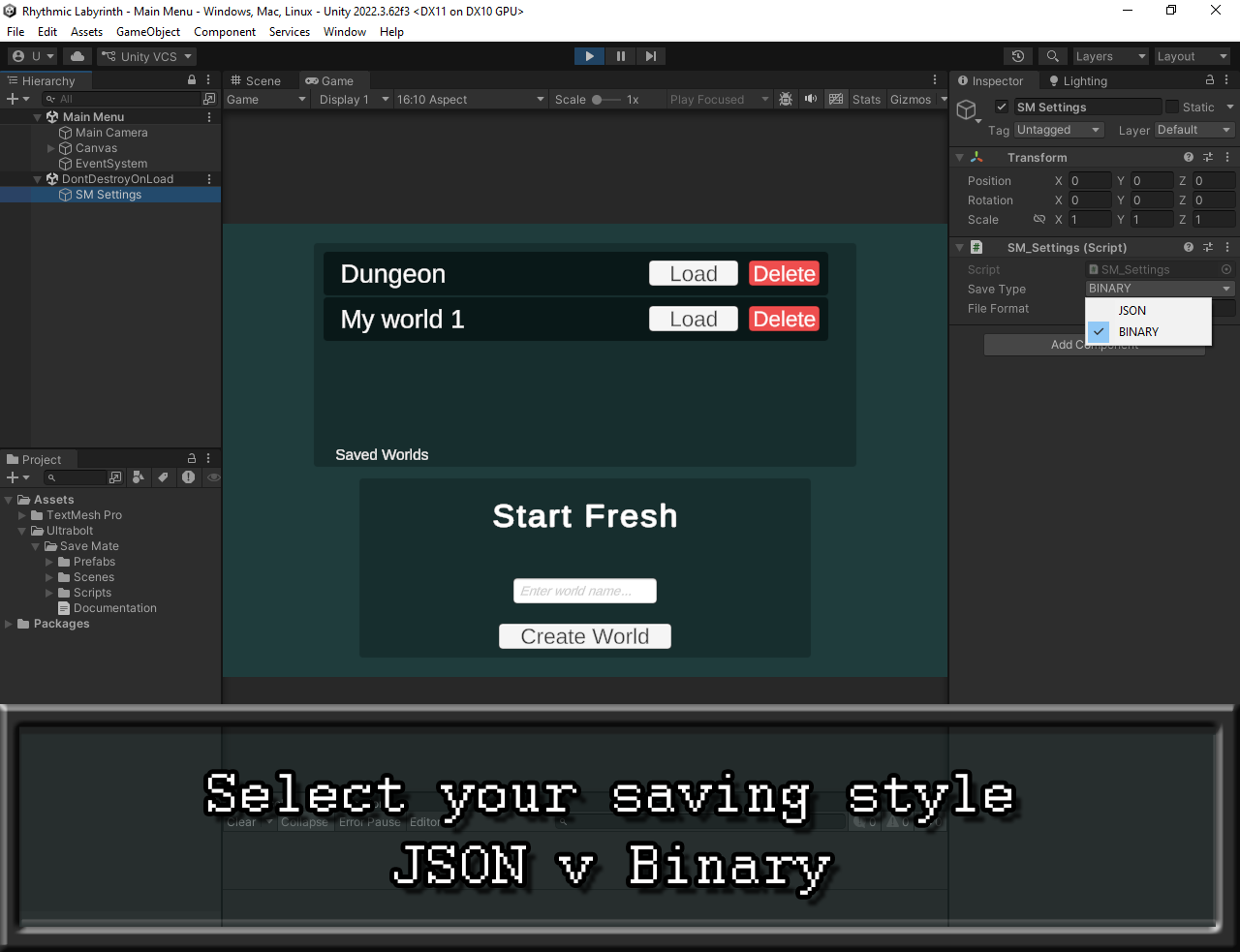
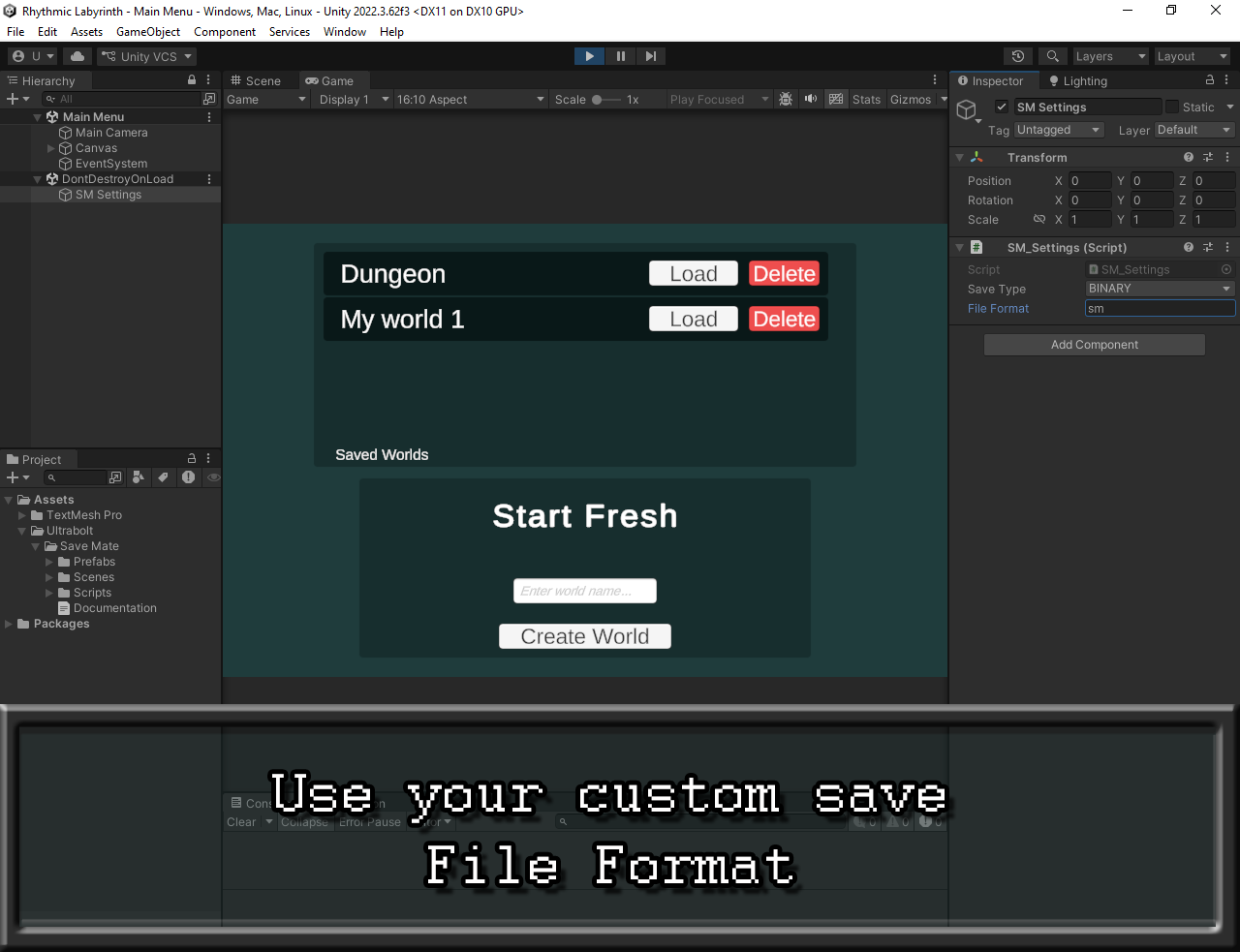
ISaveableinterface. - Flexible: Supports both JSON and Binary formats.
- Scene-Safe: Handles unique IDs and world paths automatically.
Made by Abdellah Naili (Ultrabolt), and the unitypackage is on my AssetStore
Questions? Contact: ultraboltstudio@gmail.com
Download
Click download now to get access to the following files:
Leave a comment
Log in with itch.io to leave a comment.